
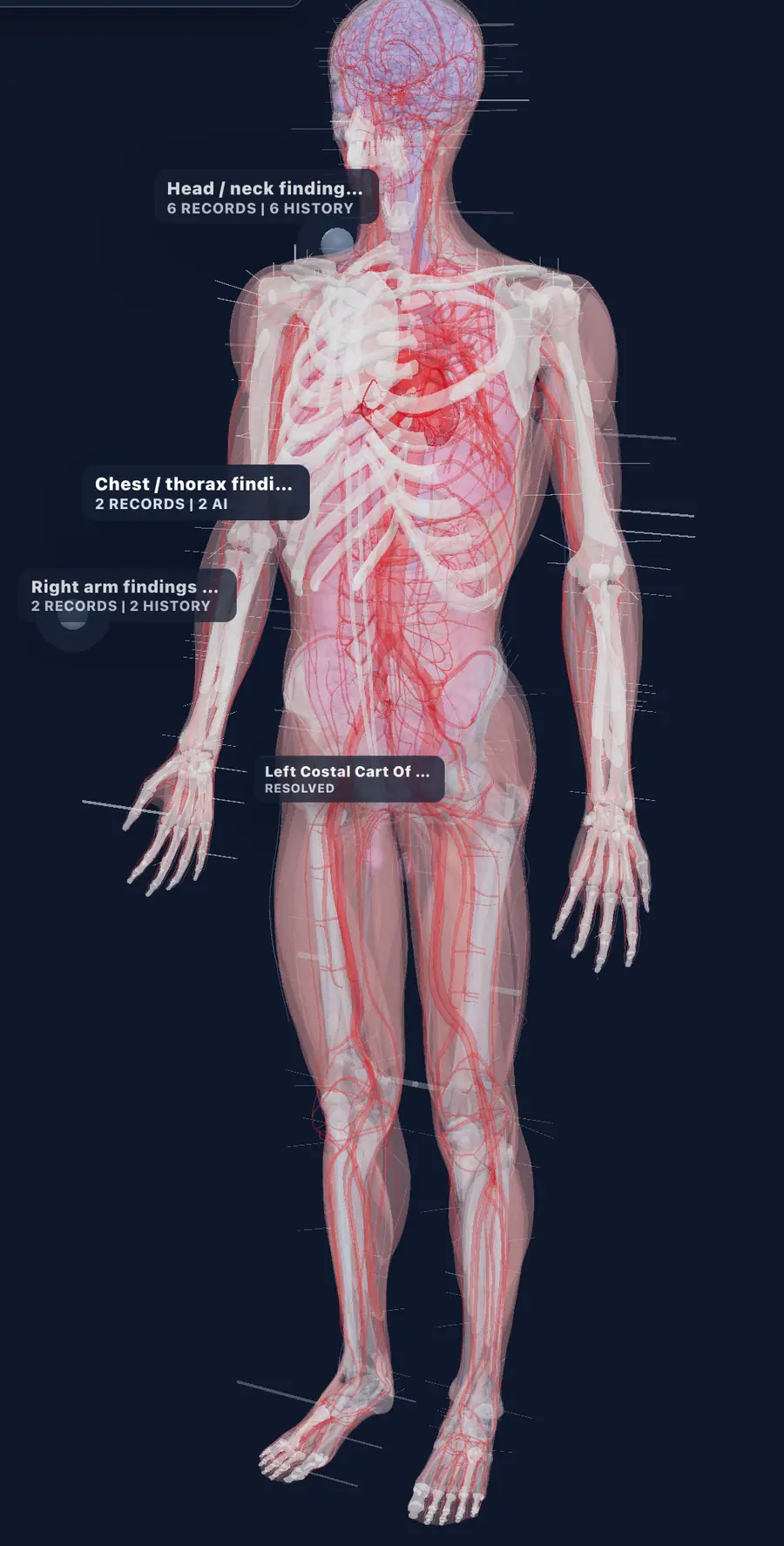
Specialty charting
3D Body Map
Mark findings, procedures, history, and follow-up directly on anatomy.
EMR tools
Scheduling, digital intake, AI scribe, specialty charting, billing, and a patient portal that share one patient record, so nothing gets re-entered.
Mark findings, procedures, history, and follow-up directly on anatomy.
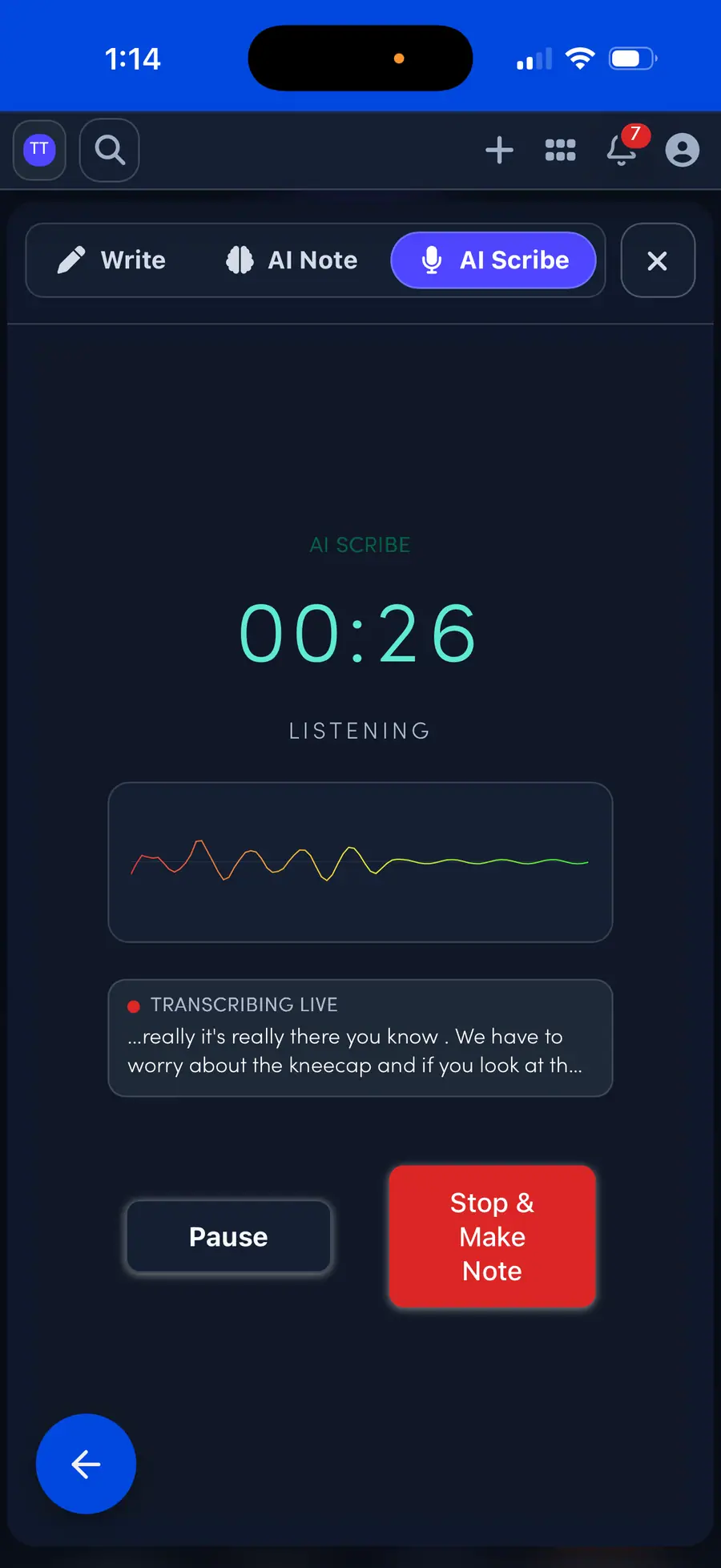
Turn the visit into a draft note the clinician can review, edit, and sign.
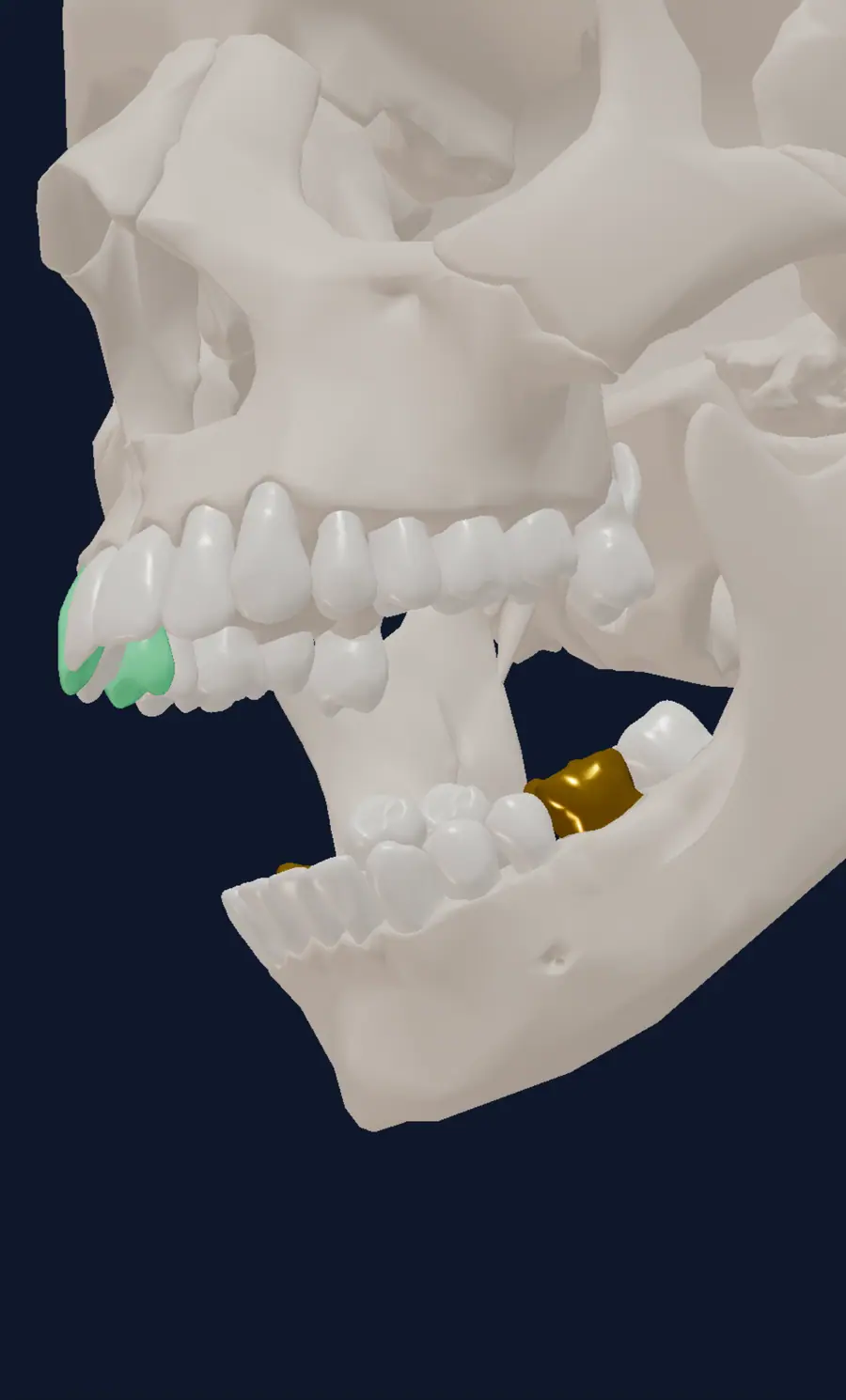
Chart surfaces, crowns, restorations, findings, plans, and CDT context on a real 3D odontogram.
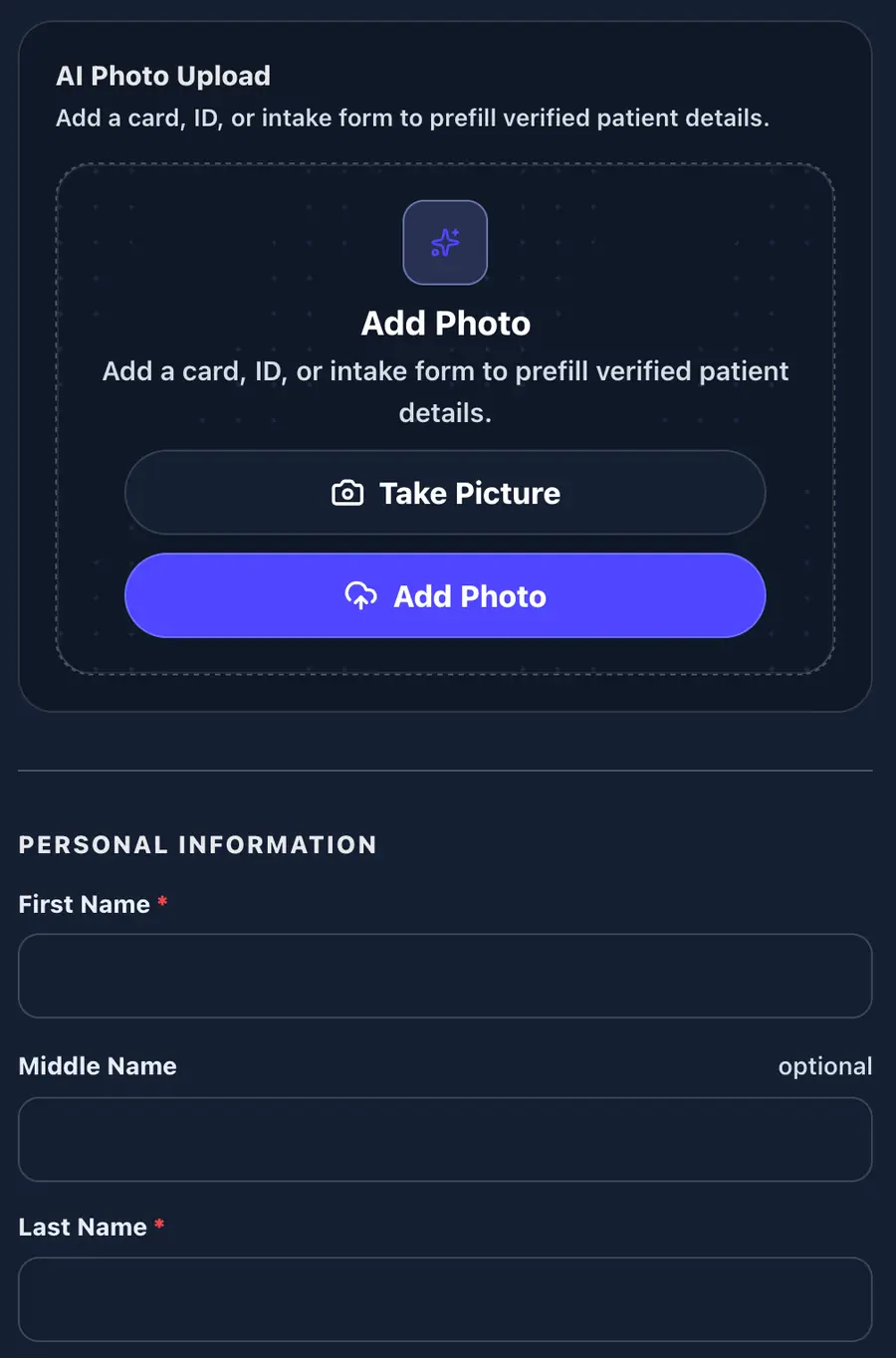
Capture the visit with guided AI camera workflows at check-in.
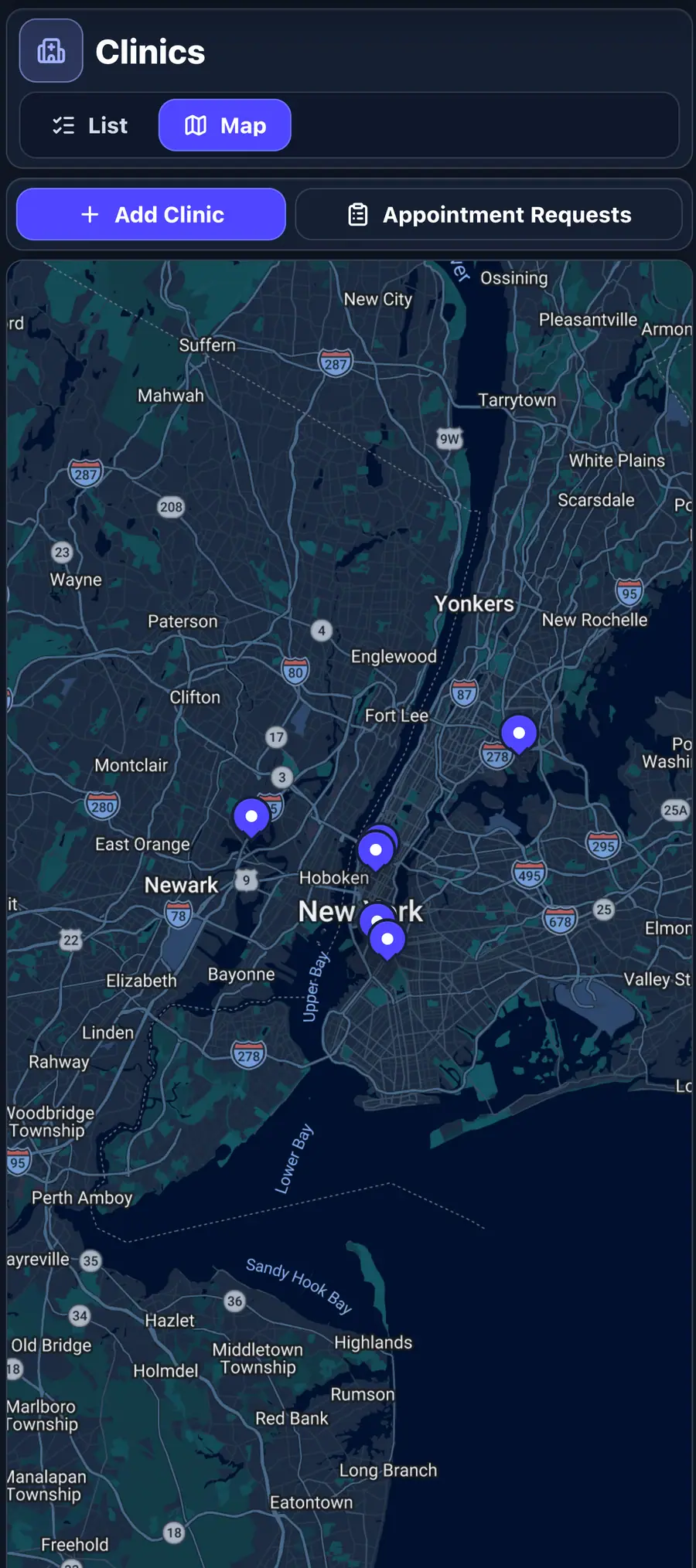
See rooms, stations, and patient movement in a single operations map.
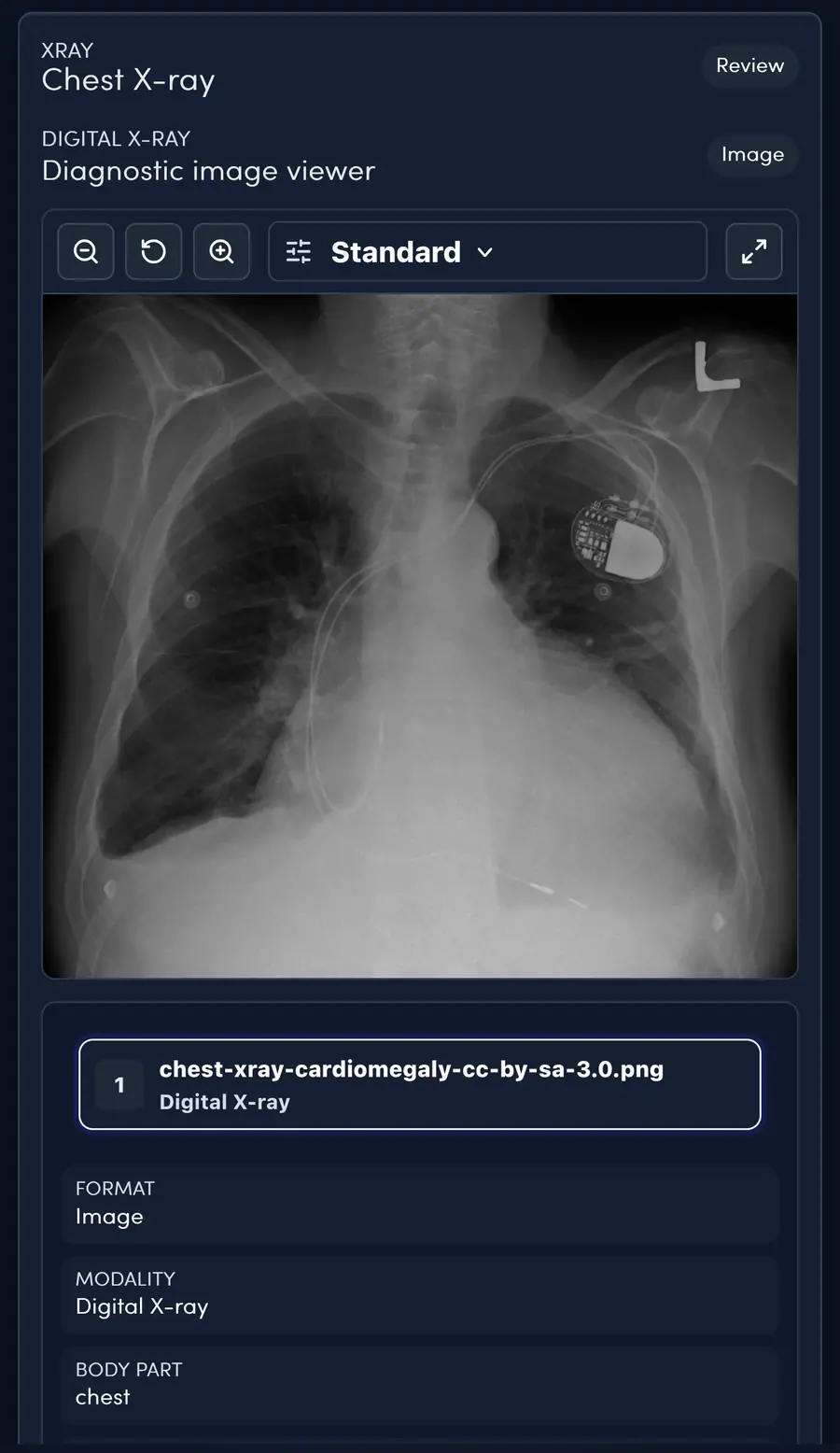
Review images, radiology notes, attachments, and follow-up from the patient record.
Tool directory
Open any tool to see how it works and how it connects to intake, charting, billing, and follow-up.
Specialty library
Each specialty opens with focused launcher apps, clinical modules, body models, documentation tools, and follow-through workflows.
Questions
EMRDesk brings scheduling, digital intake, clinical notes, an AI scribe, specialty charting like the 3D body map and odontogram, billing, a patient portal, files, tracking, and practice analytics into one connected EMR and practice management platform.
No. Each tool opens from the same patient record, so visits, notes, files, claims, and follow-up stay connected instead of being re-entered across separate systems.
The AI scribe turns the visit into a draft note. The clinician reviews, edits, and signs it before anything becomes part of the chart.
Yes. Specialties such as dental, dermatology, cardiology, behavioral health, physical therapy, and primary care open with their own launcher apps, clinical modules, and body models alongside the core EMR tools.
Yes. You can start an account and explore the tools in your own workspace, then review plans on the pricing page when you are ready.
Start an account and open the tools your practice uses every day.